

- 25/01/2022
- Dr. Ashwini Gaurav
- 0 Comments
- Joint Pain
How to Reduce Back Pain and Get Backache Relief
Is that nagging ache in your lower back making it hard to focus on work or enjoy your evening chai? You aren’t alone. In India, back pain has become one of the most common reasons people visit a doctor. Whether it’s a sharp sting or a constant dull throb, understanding how to reduce back pain is the first step toward a more active, pain-free life.
In this guide, curated with insights from the best Orthopedic Doctor in Patna – Dr. Ashwini Gaurav, we will explore everything from the reasons for backache to effective back pain exercises you can do at home.
Why Back Pain Is So Common Today
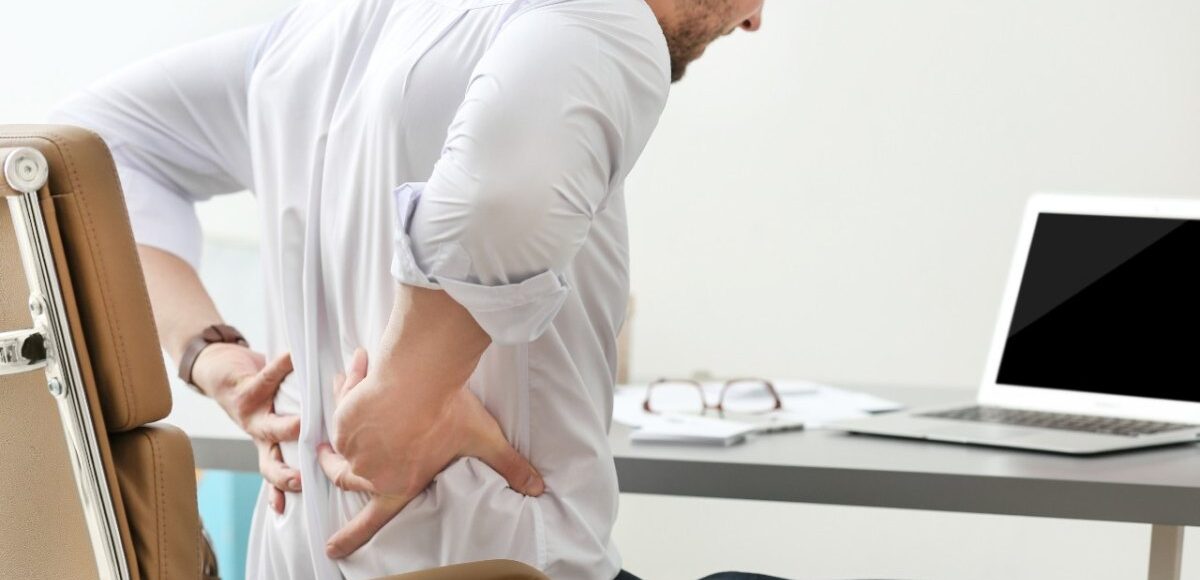
In the modern Indian lifestyle, our bodies are under constant strain. Many of us spend 8 to 10 hours hunched over laptops or stuck in traffic. This sedentary lifestyle, combined with poor ergonomics, is exactly why my back hurts more often than it used to.
Back pain isn’t just an “old age” problem anymore; it is affecting young professionals and homemakers alike. The good news is that most cases of back stiffness and discomfort can be managed with simple lifestyle changes and the right backache relief strategies.
What Causes Back Pain and Backache?
Before looking for a back pain remedy at home, it’s vital to understand what is happening inside your body. The back is a complex structure of bones, muscles, ligaments, and discs.
Common reasons for backache include:
- Muscle Strain: Lifting heavy grocery bags or a sudden awkward movement can cause back muscle pain.
- Sedentary Habits: Lack of movement makes the core muscles weak, leading to lower back pain.
- Slipped Disc: When the soft cushion between your vertebrae bulges, it can irritate nearby nerves.
- Poor Posture: Slumping in your office chair puts immense pressure on your spine.
How to Reduce Back Pain at Home
If you are wondering how to get rid of back pain without immediately rushing to a clinic, start with these basic steps:
- Rest, but don’t overdo it: While a day of rest helps, staying in bed for too long can actually worsen back stiffness.
- Heat and Cold Therapy: Use an ice pack for the first 48 hours of acute pain to reduce inflammation. Later, switch to a heating pad to relax the muscles.
- Check your Mattress: A mattress that is too soft doesn’t support the spine. A medium-firm surface is usually best for lower back pain relief.
Simple Backache Relief Exercises
Regular movement is the best backache remedy. Strengthening the muscles that support your spine reduces the load on your bones.
Try these back pain exercises (ensure you move gently and stop if pain increases):
- Pelvic Tilts: Lie on your back with knees bent. Flatten your back against the floor by tightening your stomach muscles.
- Cat-Cow Stretch: On all fours, alternate between arching your back toward the ceiling and dipping it toward the floor.
- Knee-to-Chest: While lying down, pull one knee to your chest and hold for 20 seconds. This is a great exercise for lower back pain.
Sitting Posture and Back Care Tips
Since most of us spend hours sitting, maintaining a proper sitting posture for back pain prevention is crucial.
- The 90-90 Rule: Your knees should be at a 90-degree angle, and your feet should be flat on the floor.
- Lumbar Support: Use a small pillow or a rolled-up towel at the curve of your lower back.
- Screen Level: Your eyes should be level with the top of your monitor so you don’t lean forward.
- Take Micro-breaks: Every 30 minutes, stand up and stretch for 2 minutes.
Home Remedies for Backache Relief
If you prefer a backache home remedy, India’s traditional wisdom offers several effective options:
- Ginger-Tulsi Tea: Both have anti-inflammatory properties that help soothe back muscle pain.
- Garlic Oil Massage: Sauté a few cloves of garlic in mustard or coconut oil. Once cool, massage it onto the affected area.
- Turmeric Milk (Haldi Doodh): The curcumin in turmeric is a natural healer. It’s an excellent way to how to cure back pain naturally.
How to Relieve Lower Back Pain Fast
When the pain is intense and you need to know how to relieve back pain fast, focus on decompression:
- The “Pillow under Knees” trick: If you sleep on your back, place a pillow under your knees. If you sleep on your side, place it between your knees. This aligns the hips and provides instant lower back pain relief.
- Gentle Walking: A 10-minute slow walk can release endorphins, which are the body’s natural painkillers.
- Deep Breathing: Stress causes muscles to tense up. Slow, deep belly breathing can help relax the nervous system.
When Back Pain Treatment Is Needed
While home care works for many, sometimes professional back pain treatment is necessary. Dr. Ashwini Gaurav recommends seeking medical advice if:
- The pain lasts longer than two weeks.
- The pain radiates down your legs (Sciatica).
- You feel numbness, tingling, or weakness in your limbs.
- The pain is accompanied by fever or unexplained weight loss.
Medical lower back pain treatment may include physiotherapy, specialized medication, or in specific cases, advanced minimally invasive procedures.
Conclusion: Maintain a Healthy Back at Work
Achieving backache relief isn’t about a one-time fix; it’s about changing how you treat your body every day. By improving your sitting posture for back pain, staying active with exercise for lower back pain, and using a reliable backache home remedy, you can take control of your spinal health. Remember, your back carries you through life. Treat it with care! If your pain persists, don’t suffer in silence. Consulting an expert like Dr. Ashwini Gaurav can help you find the right path to recovery.
Take care of your back today, so it can support you tomorrow! Book an appointment with Dr. Ashwini Gaurav at Jeevandan Health OPD or OrthoPatna Clinic for the best spine and orthopedic care in Patna.
